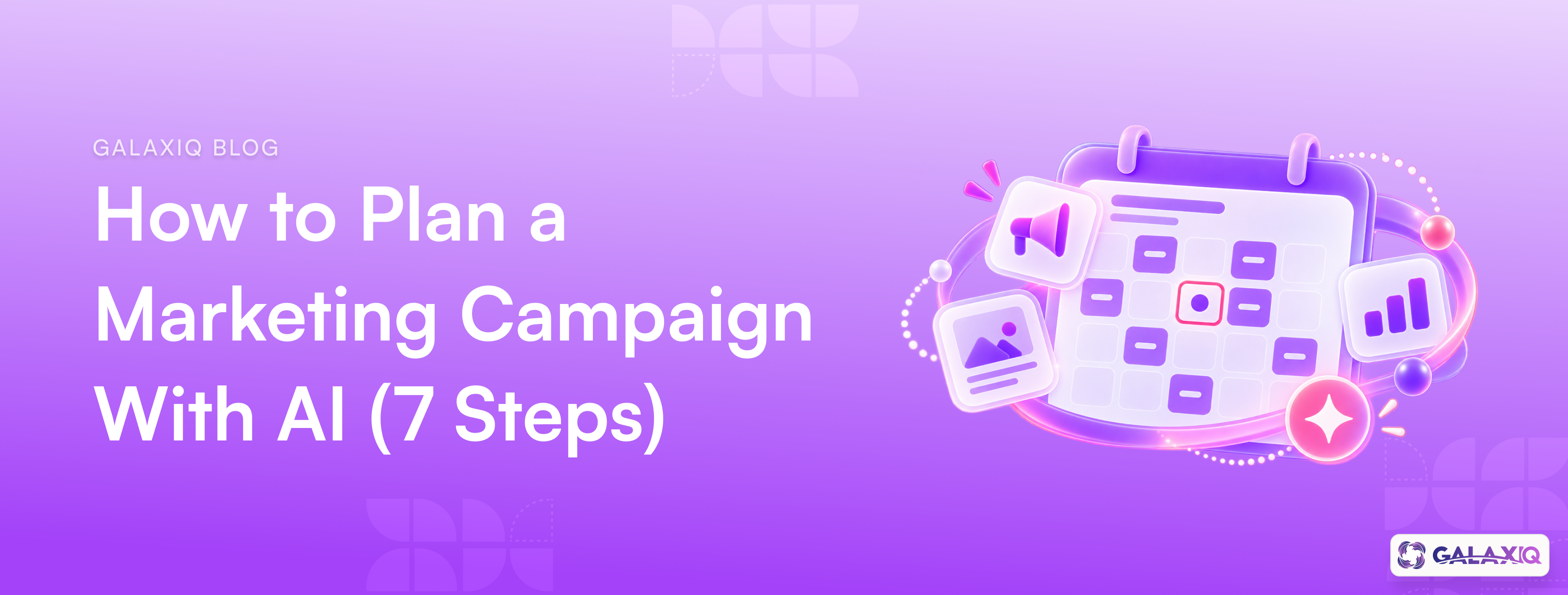
How to Plan a Marketing Campaign With AI (7 Steps)
10 min read
To plan a marketing campaign with AI, start with a clear brief (the goal, the audience and your brand rules), then use AI to generate and test ideas, turn the best one into channel-ready content, lay it out on a calendar and review everything before it goes live. AI is fastest at the volume work: ideas, variations, formats and scheduling. You stay in charge of the goal, the judgment and the final call.
Here's a seven-step process, with a campaign brief you can copy.
Key takeaways
- 78% of marketers say they need more personalised content than they can produce, and most are turning to AI to close the gap.
- The quality of an AI campaign depends almost entirely on the brief you give it.
- Give AI your brand rules and audience before it writes a word, not after.
- Review before publishing, measure after, and feed what you learn into the next brief.
Why plan campaigns with AI?
Because the content demand has outgrown most teams. In Salesforce's 2026 State of Marketing report, 78% of marketers said they need more personalised content than they're able to produce, and 75% are turning to AI to help close the gap.
Most marketers have started. HubSpot found that 80% of marketers use AI for content creation. And among martech leaders piloting AI agents, content and marketing asset production is the number one use case, cited by 52%.
But using AI to make more content isn't the same as running better campaigns. Salesforce found that 84% of marketers admit to running generic campaigns. The difference is in the planning: a clear goal, a specific audience and firm brand rules.
How to plan a marketing campaign with AI in 7 steps
Step 1: Write a one-page brief
This is the step most people skip, and it's why AI campaigns come out generic. Before you open any AI tool, write down:
- The goal: one measurable outcome, such as "200 demo bookings in six weeks"
- The audience: who exactly, and what they care about
- The offer or message: the one thing you want them to know or do
- The channels: where this audience actually spends time
- The timing: launch date and how long it runs
- The brand rules: voice, tone, words to use and avoid, and approved facts
There's a copy-paste template further down.
Step 2: Give the AI your brand before your brief
AI tools write in a generic voice unless you tell them otherwise. Load your brand voice, tone, keywords and examples of your best past content first, then the brief. Better still, use a tool that reads from one central brand source, so every campaign starts on-brand.
Step 3: Pick a specific audience segment
"Our customers" is not an audience. "Customers who bought once in the last 90 days but haven't come back" is. The more specific the segment, the better AI can tailor the message.
If you're not sure which segments to target, our guide to AI customer segmentation covers 8 segments you can build today and what to send each one.
Step 4: Generate many ideas, then choose ruthlessly
This is where AI shines. Ask for 10 to 15 campaign concepts from your brief, each with a headline, a core message and a reason it would work for this audience. Then:
- Cut anything that could have come from a competitor
- Cut anything that doesn't serve the one goal
- Pick one or two and stress-test them: what's the strongest objection, and does the idea answer it?
Don't let AI pick the winner. That's your job.
Step 5: Turn the idea into channel-ready content
Now ask AI to adapt the chosen idea for each channel: social posts, email, ads, landing page copy, visuals and even your website chatbot's answers about the offer. Each channel needs its own format, length and tone, but the core message stays the same.
Ask for two or three variations of key pieces, such as subject lines or ad headlines, so you have something to test.
Step 6: Lay it out on a content calendar
Map every piece onto a calendar by channel and date. A good AI campaign calendar shows:
- What goes out, where and when
- How the pieces build on each other (tease, launch, proof, reminder)
- Who approves each piece and by when
Look at the calendar as a whole. Is any channel overloaded? Is there a gap in week three? AI can suggest timing, but you know your audience's rhythm.
Step 7: Review, launch, then learn
Before anything goes live, check every piece for brand voice, facts and claims, and fit with the audience. Higher-risk content, like pricing or regulated claims, needs a second reviewer.
After launch, track results against the goal from your brief. Note what worked, what didn't and what editors kept rewriting, and add it to the next brief. That loop is what makes each AI campaign better than the last.
Common mistakes to avoid
- Prompting without a brief. You'll get fluent, generic content that could belong to anyone.
- Briefing every tool separately. If your copy tool, design tool and scheduler each hold a different version of the brand, the campaign drifts.
- Skipping the audience. AI can't personalise for "everyone".
- Publishing without review. Check facts and claims every time. AI can state things confidently that aren't true.
- Not closing the loop. If results never feed into the next brief, you'll repeat the same mistakes faster.
How Ideanise by GalaxiQ does this
Ideanise by GalaxiQ is the campaign product inside GalaxiQ's enterprise AI marketing platform (/), built around this process:
- From one prompt to a full campaign: set your brand tone, keywords and platforms, and Ideanise generates on-brand posts for Instagram, Facebook and other channels in one pass. Regenerate, edit or drop any post before it goes live.
- Content calendar: posts are laid out on a visual calendar, colour-coded by channel, with suggested scheduling.
- AI media studio: adjust aspect ratios, swap backgrounds and add on-brand text in one editor.
- Engagement in one feed: track likes, comments and shares, and reply across channels without switching tabs.
- Brand and audience built in: Ideanise uses your brand voice from BrandForge and audience segments from EdgeIQ, so steps 2 and 3 above are already done.
Frequently asked questions
AI can generate ideas, write and adapt content for each channel, suggest a schedule and lay out a calendar. People should still set the goal, choose the idea, check facts and approve what goes live.